
Blog and Article Writing
Use the AI text humanizer to even out draft rhythm. Natural phrasing keeps readers engaged from start to finish.
No data
No data
No data
No data
AI humanizer is a writing tool that rebuilds machine-generated text so it reads like a person wrote it. It adjusts word choice, sentence rhythm, and tone while keeping your meaning intact. Free AI humanizer lets you humanize AI text for essays, articles, emails, and social posts without rewriting from scratch.
Raw AI drafts often repeat phrases, flatten tone, and read stiff, which can weaken the trust of teachers, clients, or readers. AI text humanizer smooths those rough spots and restores a natural voice. Result is humanized content that still sounds like you, not a template.

MyDetector's free AI humanizer reads your draft and rewrites it sentence by sentence while preserving the core message. It shifts tone to fit the context — formal for papers, relaxed for blogs — and swaps robotic phrasing for fluent language.
Search engines tend to reward readable, original writing that holds a reader's attention. AI content humanizer trims repetition and improves flow, helping blogs, product pages, and articles keep people on the page longer. Aim is clearer copy, not keyword stuffing or quick tricks.

MyDetector's AI humanizer is trained on a wide range of human-written text and shaped around patterns common across modern detection and writing tools. As detectors change, the tool keeps your writing natural and steady, so output reads well whether you check it with a built-in AI detector or a separate service.

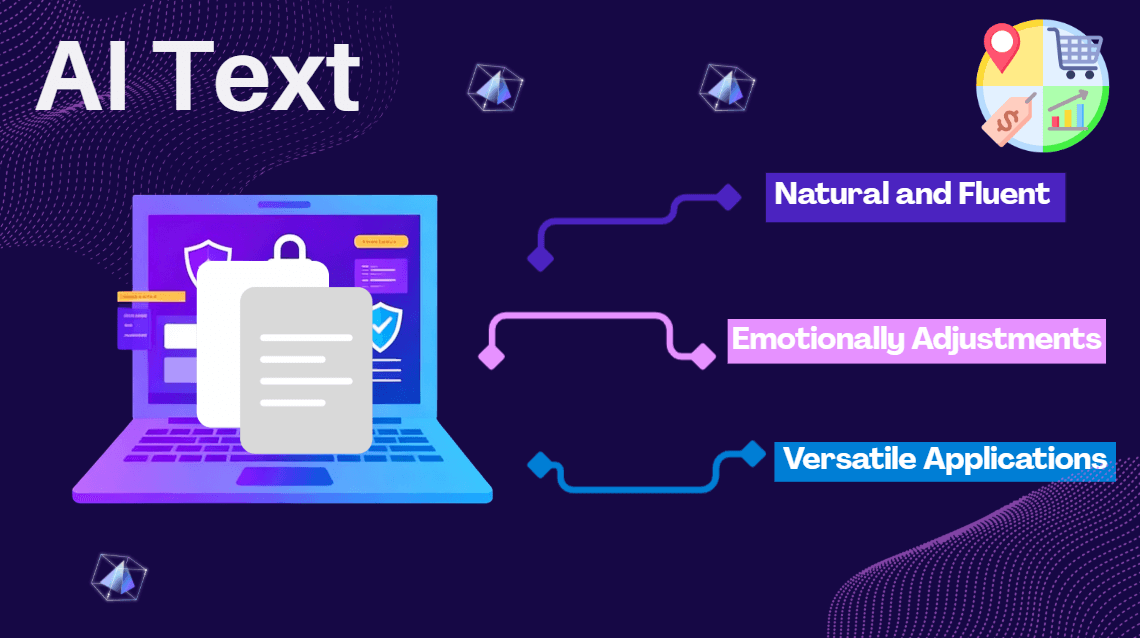
MyDetector’s AI humanizer fits any writing job. It turns AI-generated content into natural, fluent text that stays readable — from a quick post to a long document.
Use the AI text humanizer to even out draft rhythm. Natural phrasing keeps readers engaged from start to finish.

Humanize AI text in research drafts so arguments read clearly. It keeps citations and terms intact while easing repetition.

Run ads and product copy through the AI humanizer so the message feels spoken by a person, not machine-generated.

Use the AI text humanizer to turn posts into relaxed, conversational language that reads better in a feed.

Route support replies through an AI humanizer so they sound considerate, not canned, and cut the robotic feel.

Humanize AI text across languages while keeping meaning and tone, so translated content stays natural and consistent.
Humanize AI-generated content with natural wording, smoother flow, and improved readability. Rewrite AI text while keeping the original meaning, structure, and key ideas.
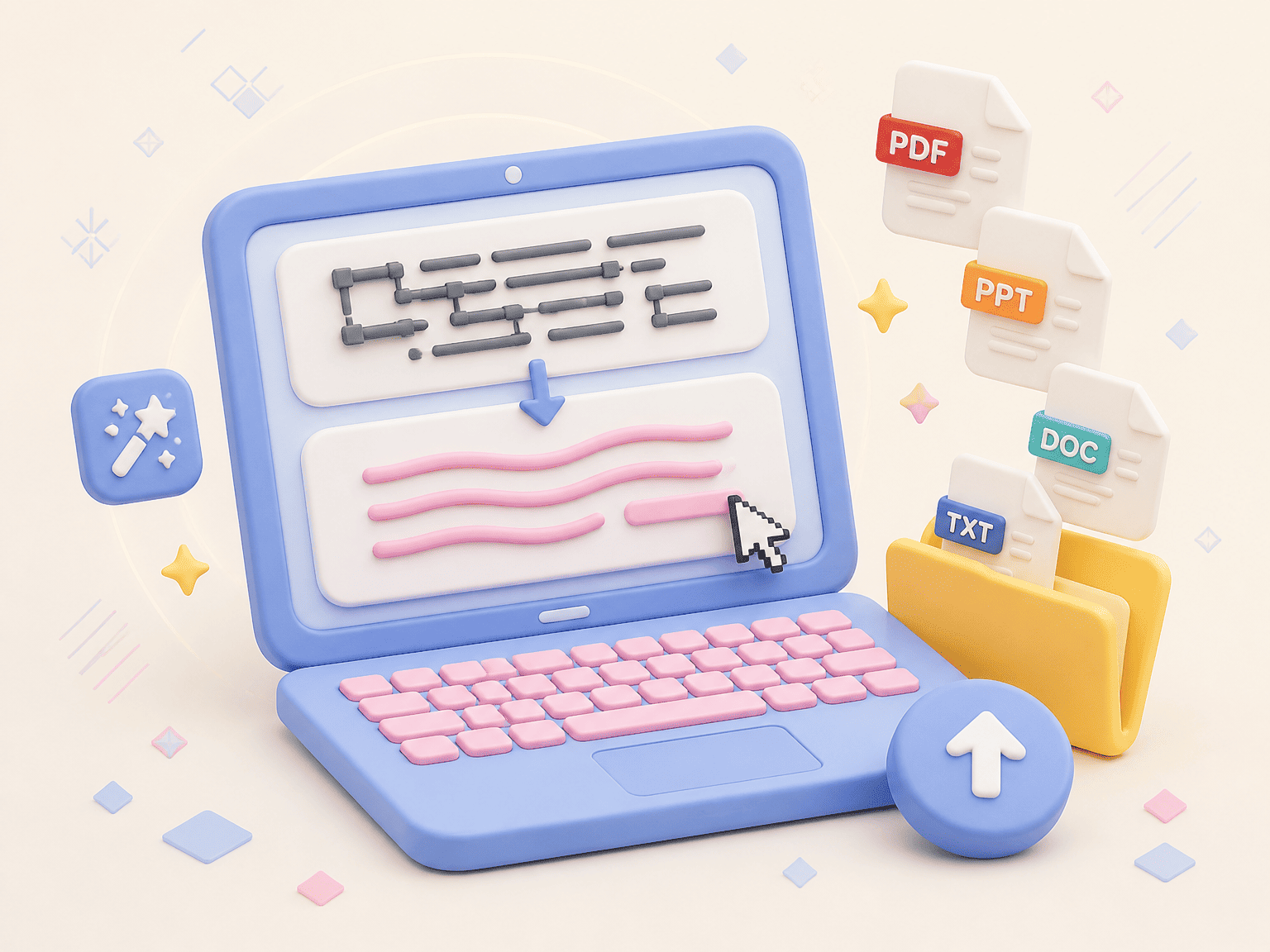
AI text humanizer rebuilds AI drafts into smooth, readable writing. It helps you humanize AI text while keeping meaning, tone, and flow intact.
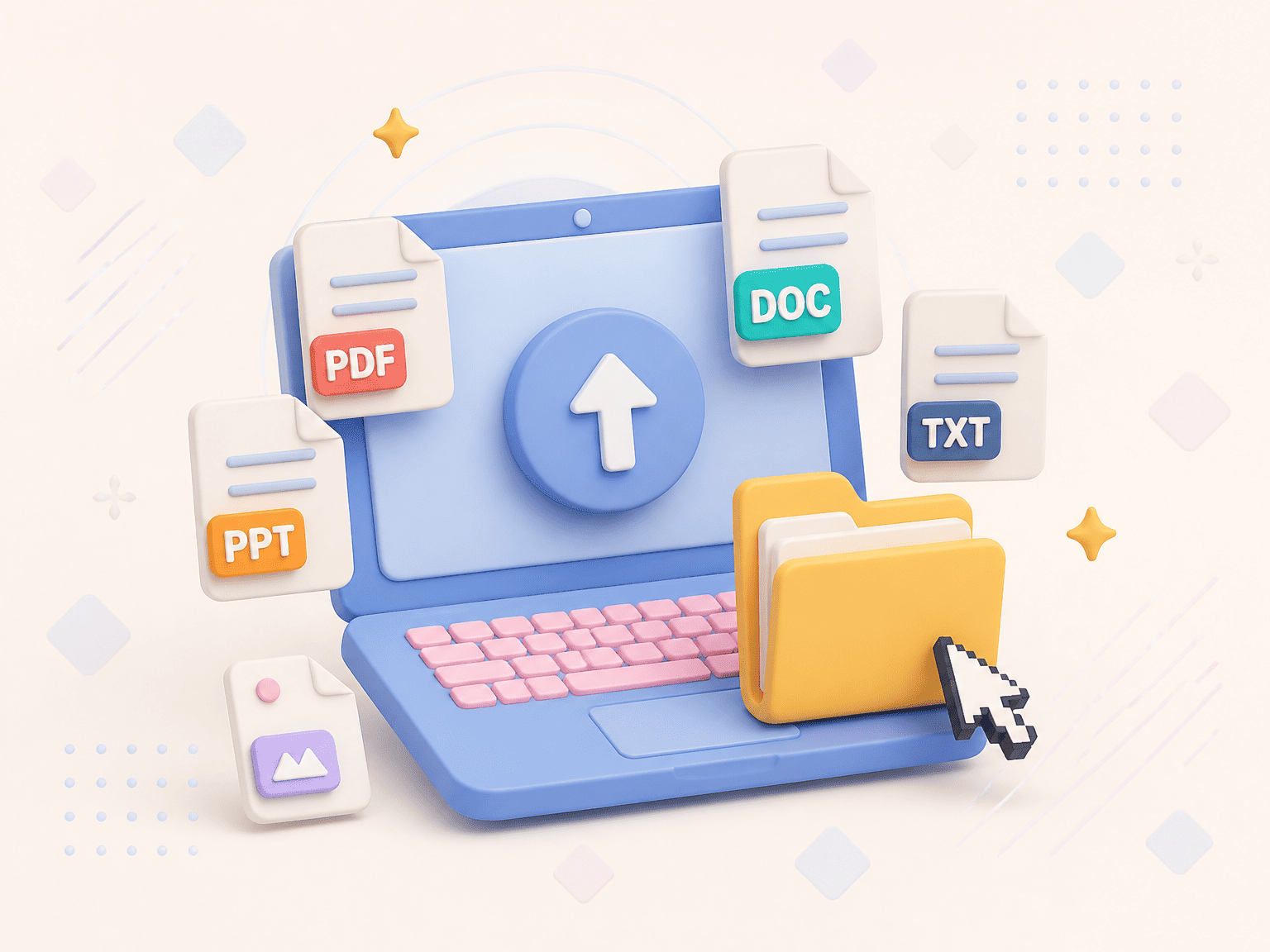
Document humanizer and PDF humanizer in one: upload DOCX, PDF, or TXT and it reads them directly, chapter by chapter, with no copy-paste.

AI humanizer works across many languages and keeps intent as it rewrites. Tone and vocabulary adjust per language so each version reads natural.

Set the context and the AI humanizer matches it — formal for papers, casual for blogs. Adjust length and tone to fit how your audience reads.
AI text humanizer keeps tone, terms, and style steady across your draft, so brand, academic, or business writing stays coherent section to section.
Adjust tone and length together to shape each draft for essays, marketing, legal work, and other writing needs.
MyDetector’s free AI humanizer helps students, marketers, editors, researchers, and support teams humanize AI text into natural writing that sounds human.

Use the tool to humanize text that reads mechanically, improving clarity and flow so the final copy feels written by a person rather than generated by a model. It speeds up the last pass before publication.

Apply the text humanizer to ad copy and product lines so the voice stays consistent and relatable. Natural phrasing helps the message land with the target audience instead of reading like a bulk generation.

Humanize AI text in drafts and summaries so complex ideas read clearly for non-specialists, while keeping methods, data, and terminology exact. It eases the machine-like repetition that reviewers flag.
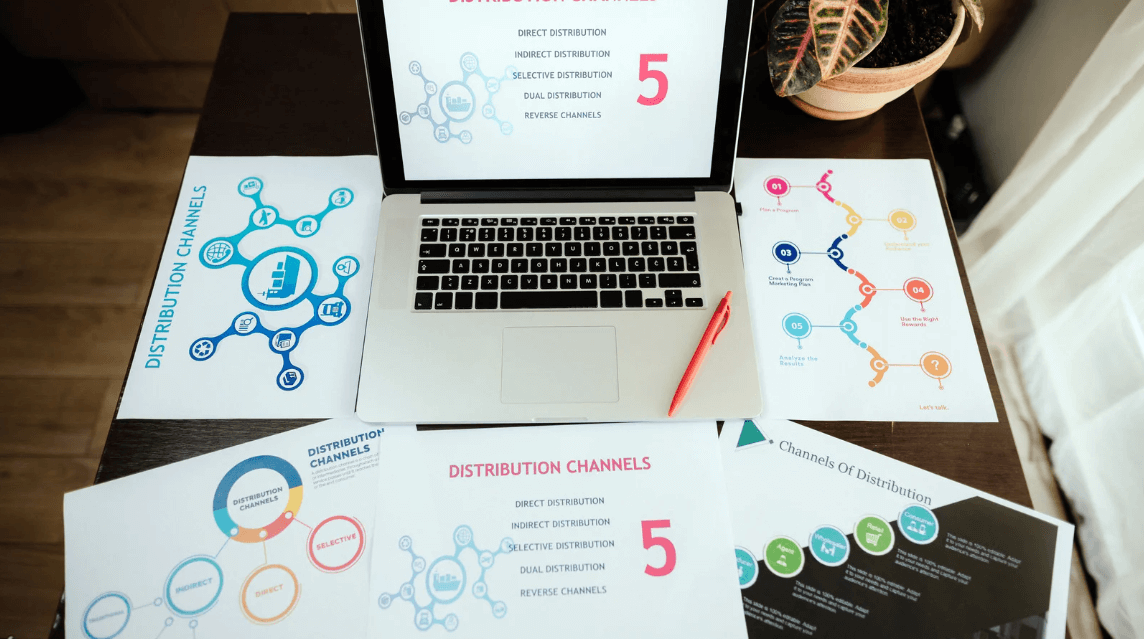
Use the AI humanizer to shape drafts for each channel and audience. Consistent, humanized content supports steadier engagement across a content plan without rewriting everything by hand.

Run posts through the AI text humanizer to soften tone and drop stiff phrasing. Result reads more like a person wrote it, which can lift interaction compared with templated captions.

Humanize AI text in reply templates so canned messages sound warm and specific. Natural language tends to improve how customers feel about the exchange and lowers the robotic impression.
Team behind the AI humanizer focuses on readable, accurate output across writing tasks, not on gaming detectors.
Models that humanize AI text are maintained for steady quality as language and detectors shift over time.
Paste or upload and the AI humanizer returns humanized text in a few steps, with no setup or install required.
Set the purpose, tone, and length so humanized text fits essays, marketing, legal work, and other writing needs.
Files used to humanize AI text are encrypted and are not kept for model training or shared with third parties.
AI humanizer runs in the browser on desktop and mobile, so you can humanize text from anywhere.
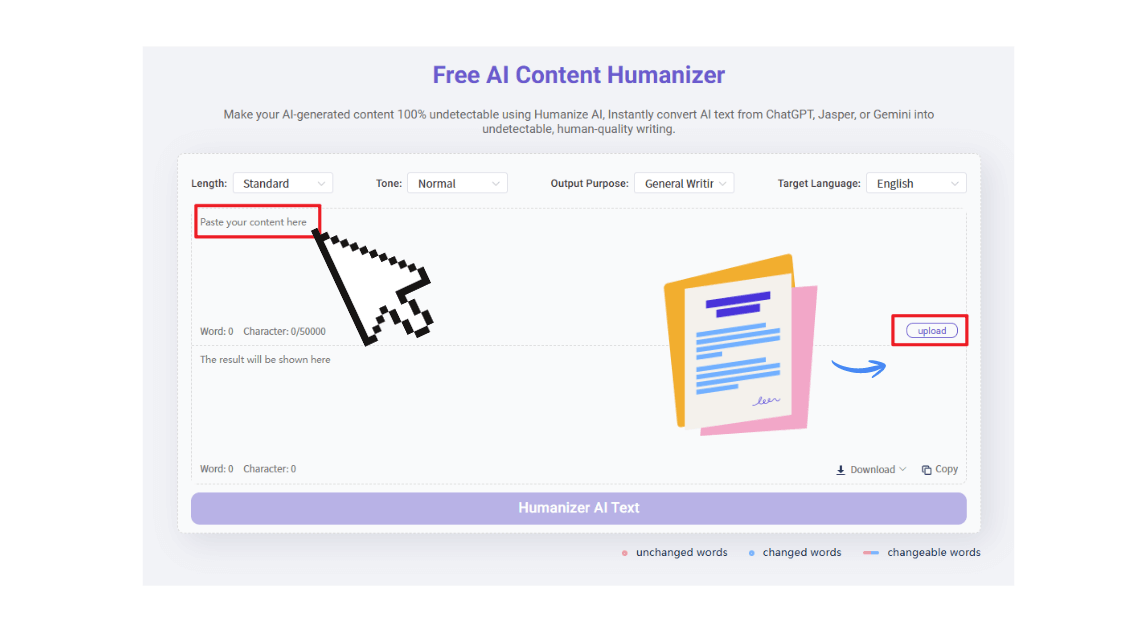
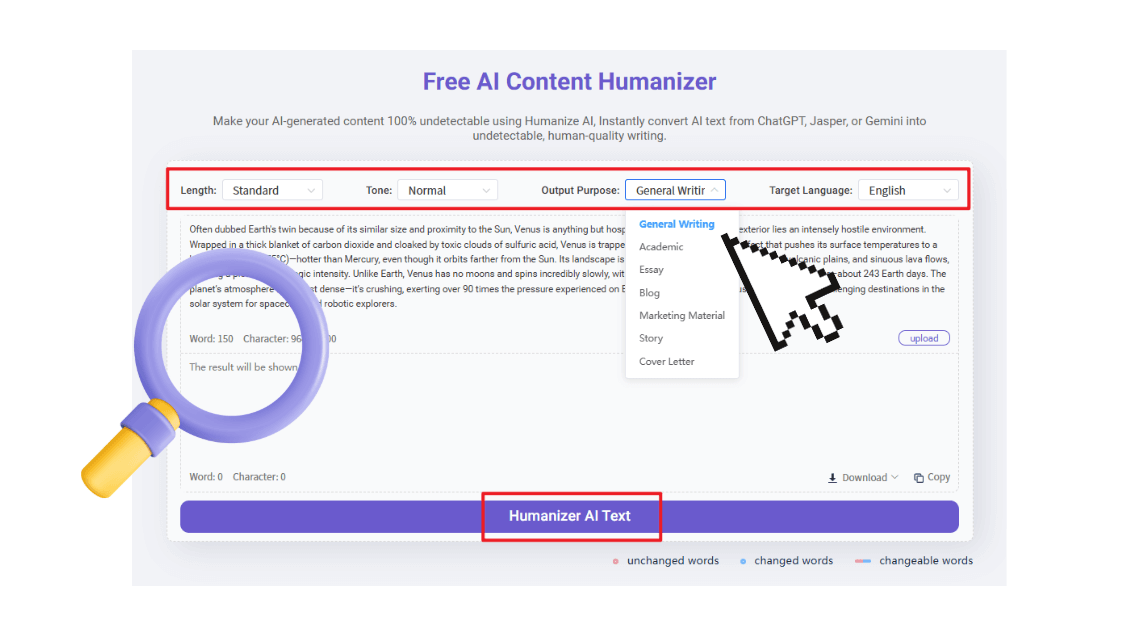
Enter or upload the text you want to humanize. You can also add a PDF or document and let the document humanizer read it directly, so long files are handled in one go.
Click the Humanize button. AI text humanizer rewrites the draft, improving flow and readability while keeping your meaning. You can switch tone or length before running.
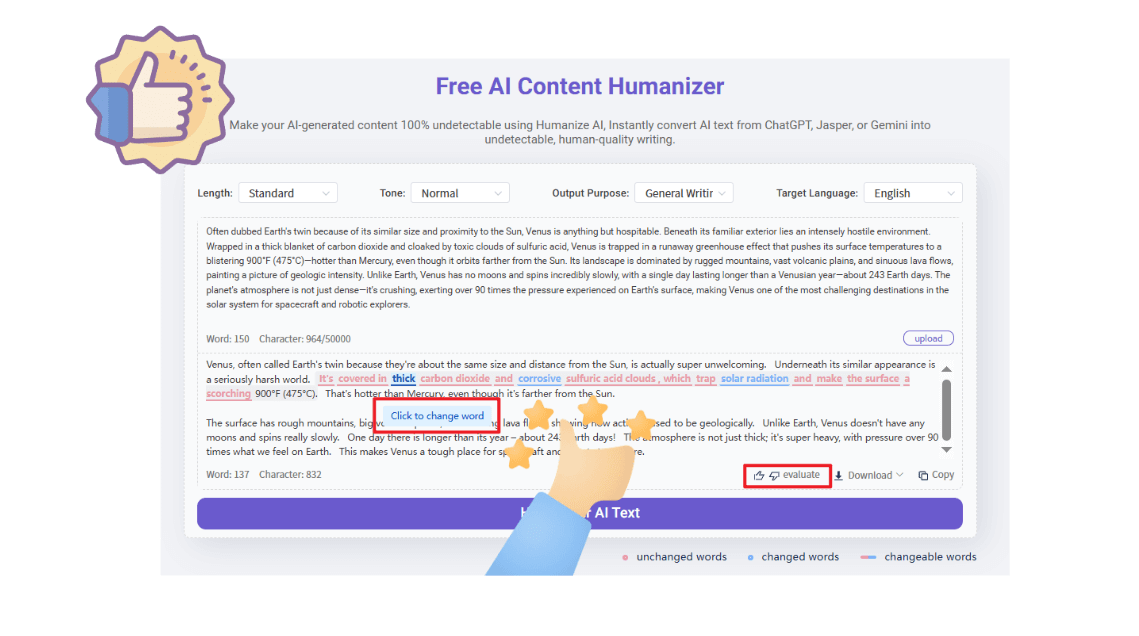
Read the humanized text and swap words where needed. Your feedback helps the tool match your preferred voice over time, so later drafts need less editing.
"I use the AI humanizer to polish rough drafts before I publish. File upload handles long documents, and the humanized text comes back clear and natural. It fits into my weekly writing without extra steps."
Alexander Brown
"The AI text humanizer helped me rework AI drafts into readable copy. I like running a pass with the AI detector afterward to check the result. For my workflow it saves the manual editing I used to do by hand."
Amelia Johnson
"As a student I rely on the tool to humanize AI text in my notes and summaries. Uploading files is straightforward, and the output keeps my sources and terms intact. It is useful for study drafts."
Henry Wilson
"The humanizer reduced the repetitive feel in my writing. I write daily and the humanized text stays consistent across pieces. It is a steady part of how I prepare content now."
Evelyn Smith
AI humanizer is a tool that rewrites AI-generated text into clearer, more natural writing. It adjusts tone, rhythm, and word choice so the result reads like human work while keeping your original meaning.
AI text humanizer reads your draft, then rewrites it sentence by sentence. It varies sentence length, softens repeated phrasing, and matches context so the humanized text flows the way a person would write.
Text humanizer is used to make machine-written drafts read naturally. People apply it to blog posts, emails, reports, and study notes so the writing feels consistent and easier for readers to follow.
MyDetector offers a free AI humanizer with daily limits, so you can humanize AI text without paying. Larger volumes and extra controls are available on paid plans when you need them.
Paste or upload your draft, then run the AI text humanizer. It returns humanized text you can edit inline. Most users finish a short piece in a couple of steps and adjust wording as needed.
Yes. You can humanize text in academic drafts while keeping citations, methods, and terms exact. Tool softens repetitive phrasing so the paper reads clearly without changing your argument.
AI to human describes turning AI-generated text into writing that reads as if a person wrote it. Goal is natural phrasing and steady tone rather than a machine-like pattern.
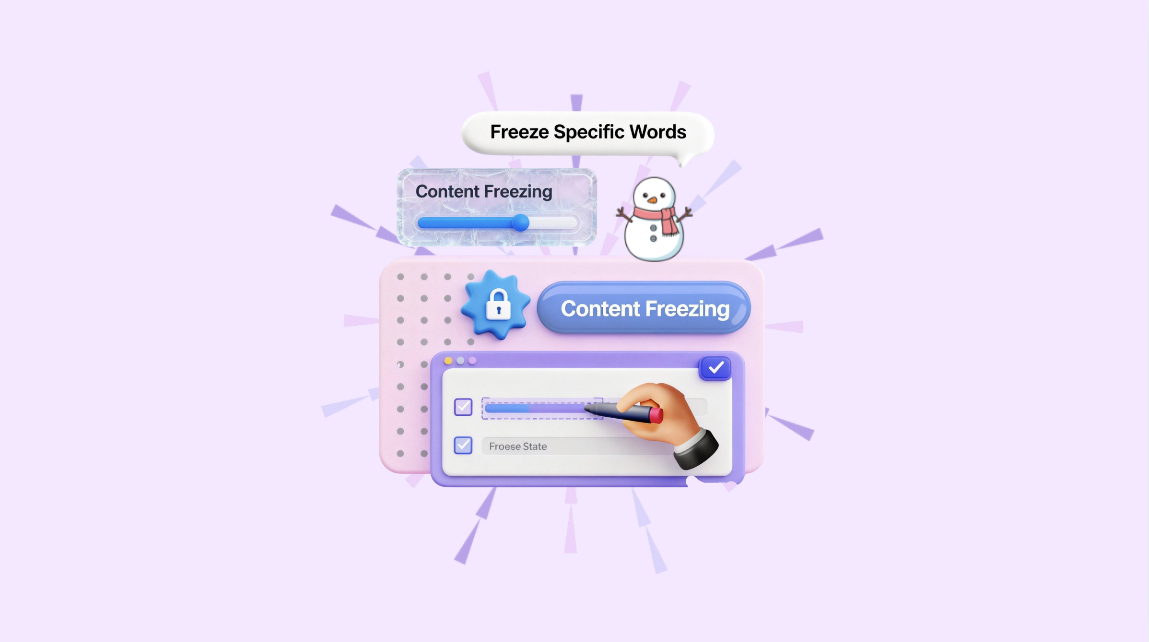
Yes. AI to human text converter takes a draft and rewrites it into human-like language. MyDetector's AI humanizer does this while letting you freeze key terms so important phrasing stays put.
Yes. Document humanizer reads DOCX, PDF, and TXT files and rewrites them directly, so you can humanize long reports without copying text out by hand, section by section.
Yes. As a PDF humanizer, the tool opens your PDF, rewrites the text inside, and returns a cleaner version. It is useful for papers, contracts, and other fixed-layout documents.
Yes. You can humanize AI text online from any browser with no install. MyDetector runs in the browser on desktop and mobile, so the AI text humanizer is available wherever you work.
Readable, original writing tends to keep readers on the page longer, which search engines value. Using an AI text humanizer to reduce repetition can support clearer pages, though rankings depend on many factors beyond text alone.
To reduce AI patterns, vary sentence length, avoid repeated transitions, and let the AI humanizer rephrase stiff spots. Reviewing the humanized text and editing a few lines keeps the voice yours.
AI detector checks whether text looks machine-written. Humanized text is rewritten to read naturally, but no method is certain. You can run an AI detector yourself to see how a draft scores.
Humanized content can help with drafting and clarity, but you should follow your school or workplace rules on AI use. Tool keeps your meaning while easing machine-like phrasing; final responsibility stays with the author.
Natural writing mixes sentence lengths, uses plain words, and fits the context. AI text humanizer applies these habits so the humanized text feels balanced rather than uniform or stiff.
AI humanizer rewrites while preserving core points, terms, and facts. You can freeze key sentences so they stay unchanged, then review the humanized text to confirm nothing drifted.